
How To Build A Microsoft Teams Room
Build A Teams Room That Just Works
Benefits
01
Simplify Collaboration
A properly designed Teams Room makes it easy for employees and guests to join meetings, share content, and collaborate without technical barriers.
02
Improve Hybrid Meetings
Dedicated room cameras, microphones, speakers, and displays create a better experience for both remote and in-room participants.
03
Plan For Long-Term Success
Selecting the right technology from the beginning helps avoid future upgrades, compatibility issues, and user frustration.
How it Works
01
Define Room Requirements
Determine room size, participant count, meeting frequency, and how the space will be used to establish the foundation of the design.
02
Select The Right Components
Choose the appropriate display, conferencing system, camera, microphones, speakers, room controller, and content sharing technology.
03
Deploy And Optimize
Install, configure, test, and train users to ensure the Teams Room delivers a reliable and consistent meeting experience.
Successful Teams Rooms Start With Good Design
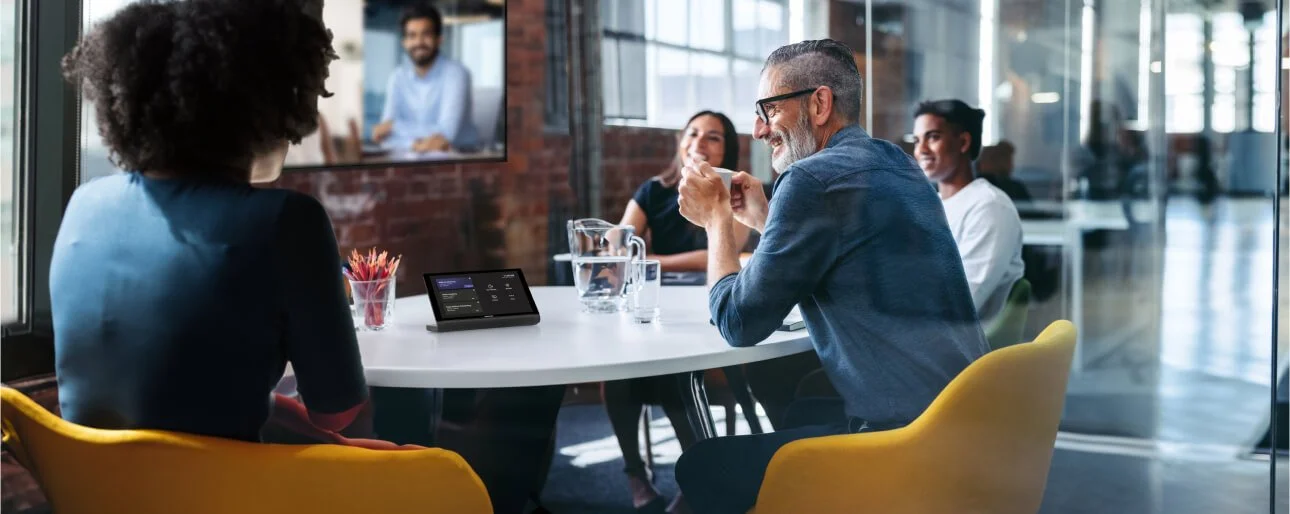
A Microsoft Teams Room is more than a display and a camera. The most successful deployments consider room size, acoustics, participant visibility, microphone coverage, and user experience to create a seamless collaboration environment.
Room size plays a major role in selecting the appropriate camera, audio system, and display configuration.
Professional audio is often the most important factor affecting meeting quality and participant satisfaction.
Dedicated Teams Room systems simplify meeting participation and reduce technology-related delays.
Over 20 years helping organizations design and deploy workplace collaboration technology.
Experience delivering Microsoft Teams Room solutions for boardrooms, meeting rooms, training spaces, and municipal environments.
FAQ
-
Most Teams Rooms include a display, conferencing camera, microphones, speakers, touch controller, and a dedicated Teams Room compute device.
-
Yes. Many organizations can upgrade existing meeting spaces by adding Teams Room technology while retaining existing furniture, displays, and infrastructure.
-
The cost depends on room size, technology requirements, and desired functionality. Small meeting rooms require significantly less investment than large boardrooms or training spaces.